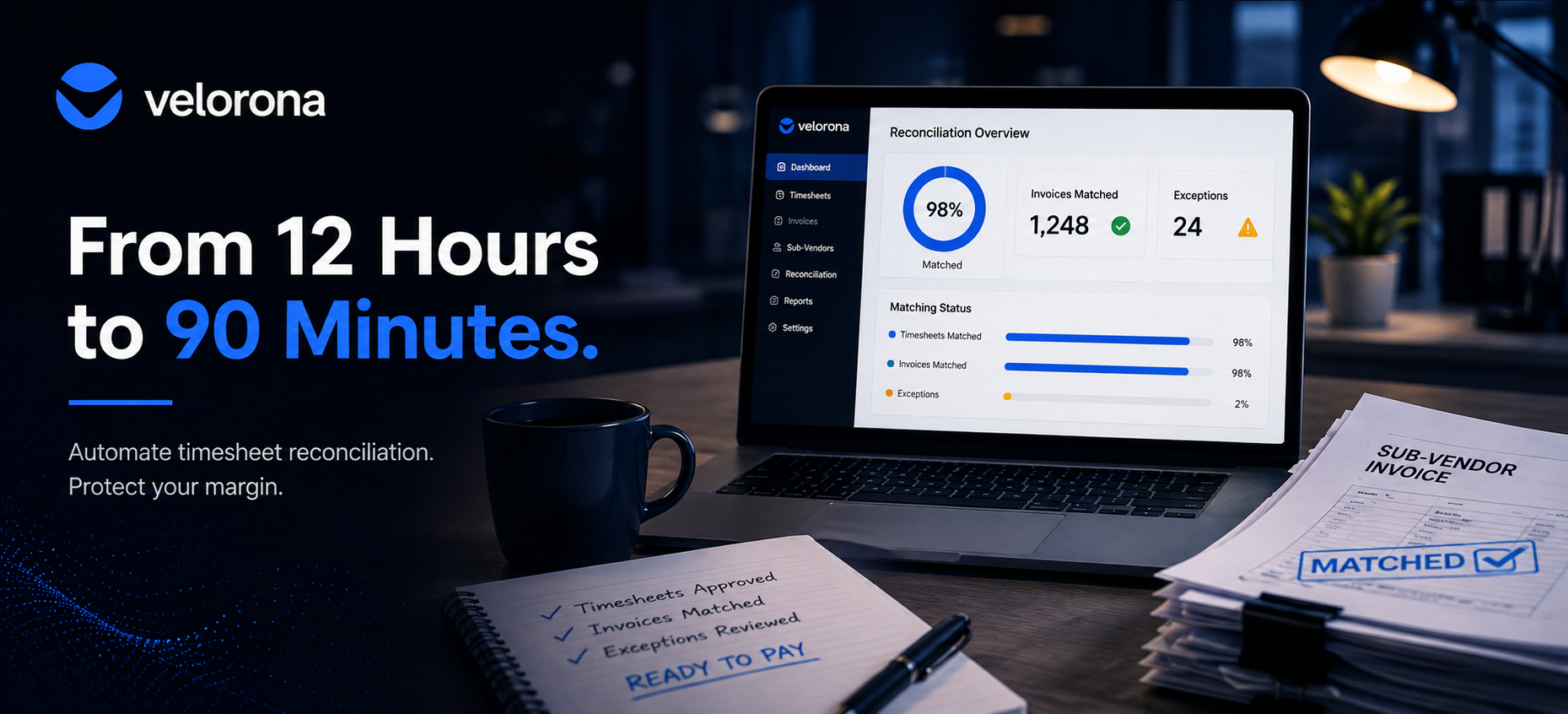
How to Cut Your Controller’s Friday Night Reconciliation From 12 Hours to 90 Minutes
If your controller spends every Friday night matching sub-vendor invoices against timesheets by hand, the fix isn’t hiring a second controller it’s removing the manual matching entirely. When you automate timesheet reconciliation, the system matches every invoice against approved hours the moment it arrives, flags mismatches before payment, and cuts your controller’s weekly reconciliation from 12 hours to about 90 minutes of exception review.
It’s Friday at 7pm. Your controller is still at her desk or at her kitchen table matching sub-vendor invoices against timesheets one line at a time. She’s been doing this for three hours and she’s halfway through.
This isn’t an occasional crunch. This is every Friday. And it’s not because she’s slow. It’s because nothing in your tech stack connects invoices to timesheets automatically, so she fills the gap manually. Every week. For every sub-vendor. For every consultant.
The question isn’t whether she’s good at her job. The question is why her job still includes this.
Why Does Friday Night Reconciliation Take 12 Hours a Week?
Because your controller manually performs a data-matching task that a system should handle automatically. Here’s what actually happens every pay period:
The Line-by-Line Matching Process
A sub-vendor invoice arrives usually a PDF via email. Your controller opens it, finds the consultant name, checks the hours billed, and compares it against the approved timesheet. She repeats this for every line item, every sub-vendor, every pay period. At 10 to 20 sub-vendors, that process alone consumes 8 to 12 hours per week.
The Approval Chase
Before she can match anything, she needs the timesheets approved. However, half the consultants submitted late, two account managers haven’t signed off yet, and one sub-vendor’s approval sits in an email thread nobody can find. Consequently, she spends Thursday chasing approvals so she can spend Friday matching invoices. The American Staffing Association reports industry net margins of 3-7% and your controller spends a meaningful share of her week on work that protects zero percent of that margin.
The Invoice Generation Delay
Even after matching, the client invoices that should go out Monday don’t because the data wasn’t ready until Friday night. Every day between timesheet approval and client invoice delivery adds a day to your DSO. For firms sending invoices by email, the “I never received it” dispute adds another 7 to 15 days.
What Does Your Controller’s Week Actually Look Like Without Automated Reconciliation?
The following table shows where reconciliation time goes and what changes when you automate timesheet reconciliation:
| Task | Without Automation | With Automated Timesheet Reconciliation |
|---|---|---|
| Chasing timesheet approvals | 2–3 hours/week (email, Slack, phone) | Multi-level approval chain routes and notifies automatically |
| Matching sub-vendor invoices against timesheets | 6–8 hours/week (line by line, PDF by PDF) | System matches every line automatically flags mismatches only |
| Building client invoices from approved hours | 2–3 hours/week (re-keying into QuickBooks or Excel) | Invoices generate automatically from the same approved hours |
| Chasing overdue client invoices | 1–2 hours/week (manual email follow-up) | Client portal delivers invoices with read receipts + scheduled reminders at 7/14/30 days |
| Month-end AR aging and margin reporting | Half-day to full-day project | Available on demand byproduct of clean data |
| Total weekly reconciliation burden | 12+ hours | ~90 minutes (exception review only) |
| Controller’s remaining capacity for analysis | Whatever’s left after reconciliation | Most of the role |
What Does It Actually Cost When You Don’t Automate Timesheet Reconciliation?
The 12 hours per week is the visible cost. However, four hidden costs compound underneath:
The sub-vendor errors that slip through. Manual matching carries a 3-5% error rate. At $500K to $1M in annual sub-vendor spend, that’s $12,000–$25,000 per year in overpayments nobody catches because your controller runs out of time to verify every line.
The margin blindness. If your controller spends her week matching data, she never produces the margin-per-client reporting that would tell you which clients actually generate profit. Consequently, a client can run negative margin for two quarters before anyone notices.
The DSO drag. Client invoices sit in a queue because the data wasn’t ready. Invoices go out late, then go out by email where they get lost. Firms that move to same-day invoice generation with portal delivery typically see 15–30 days of DSO improvement within the first quarter.
The key-person risk. When the entire reconciliation process lives in your controller’s head which spreadsheet maps to which client, which sub-vendor’s format means what her departure triggers a 2–4 week operational crisis. The U.S. Department of Labor’s FLSA recordkeeping requirements don’t pause while you hire a replacement.
How Do You Automate Timesheet Reconciliation Step by Step?
Here’s the approach that cuts Friday reconciliation from 12 hours to 90 minutes:
Step 1: Replace the approval chase with a structured approval chain. In Velorona, consultants submit timesheets from web or mobile. The system routes each timesheet through a multi-level approval chain consultant → PM → account manager and notifies each approver automatically. Nobody chases approvals via email. Furthermore, bulk approval lets managers approve 50 routine timesheets in one click, reserving review time for the ones that look unusual.
Step 2: Match sub-vendor invoices against approved hours automatically. When a sub-vendor submits an invoice through the vendor hub, the system matches every line item against approved timesheet hours: do the hours agree, does the rate match, are there duplicates. Numbers agree clears. Numbers don’t the system flags the mismatch before payment. This is bidirectional reconciliation: client invoices going out matched against sub-vendor invoices coming in.
Step 3: Generate client invoices from the same approved hours automatically. The moment a timesheet clears approval, the client invoice line item generates automatically billing rate applied, PO pulled from client setup, billing schedule respected. No re-keying into QuickBooks. No separate spreadsheet. The same data that verified the sub-vendor invoice now generates the client invoice.
Step 4: Deliver client invoices through a portal, not email. Velorona’s client portal delivers invoices directly with read receipts showing when the client opened, viewed, and approved. The “I never received it” dispute disappears entirely. Scheduled reminders fire automatically at 7, 14, and 30 days past due. Your controller stops chasing the system handles follow-up.
Step 5: Review exceptions only not every invoice. After Steps 1–4, your controller’s Friday night transforms into a 90-minute exception review: the mismatches the system flagged, the disputed invoices awaiting resolution, and the overdue AR that needs a human phone call. Everything else already processed automatically during the week.
What Does Your Controller’s Week Look Like After You Automate Timesheet Reconciliation?
Here’s what shifts not theoretically, but based on the verified metric Velorona documents for firms that move from manual to automated reconciliation:
Friday night ends. The 12-hour weekly reconciliation drops to about 90 minutes of exception review. Your controller finishes by mid-afternoon instead of staying until 9pm.
Month-end close compresses. Instead of a multi-day reconciliation sprint, your controller reviews the exceptions the system flagged during the month and exports clean data. The heavy lifting already happened automatically.
Margin problems surface earlier. With reconciliation off her plate, your controller has capacity to check margin per client weekly instead of quarterly. A client that went negative because a sub-vendor rate crept up gets caught in the current billing cycle instead of at year-end.
Year-end becomes an export. When sub-vendor payment data stays reconciled all year, 1099 prep drops from a multi-week scramble to a few hours of review before export.
The controller’s role transforms. She stops being a data-entry operator and starts being the financial analyst the firm actually needs. The controller workload piece covers where that freed-up time goes in detail.
What Happens When Your Controller Leaves and Reconciliation Lives in Her Head?
This is the risk most staffing firm owners don’t think about until it happens.
When reconciliation runs manually spreadsheets, email threads, a process only your controller fully understands her departure doesn’t just create a hiring problem. It triggers an operational crisis. Specifically:
Week 1: Nobody knows what’s owed or what’s been paid. The sub-vendor invoices sitting in her inbox don’t have a matching trail anywhere else. The client invoices she planned to send Monday don’t go out. AR follow-up stops because nobody knows which clients are overdue.
Week 2: You reconstruct the process from fragments. Someone opens her spreadsheets and tries to figure out which columns map to which clients, which sub-vendor format means what, and which invoices were already matched versus still pending. Every answer takes a phone call or an email chain that used to take her five seconds.
Week 3: Errors compound. Sub-vendor invoices arrive and get paid without verification because nobody has time to match them while also reconstructing the process. The 3-5% error rate you were already carrying jumps, because now there’s no matching happening at all.
By the time you hire and onboard a replacement, you’ve lost three to four weeks of reconciliation accuracy, paid sub-vendor invoices nobody verified, sent client invoices late (adding days to DSO), and potentially missed errors worth thousands.
Why Automated Reconciliation Eliminates Key-Person Risk
When you automate timesheet reconciliation, the process lives in the system not in one person’s memory. Specifically:
The matching rules run regardless of who’s at the desk. Every sub-vendor invoice still gets checked against approved timesheet hours automatically. Mismatches still get flagged before payment. The system doesn’t take sick days or give two weeks notice.
The audit trail documents everything a new hire needs. Every approval, rejection, and exception review sits timestamped in the system. A replacement controller doesn’t reconstruct the process from email she opens the invoices dashboard and sees exactly what’s matched, what’s flagged, and what’s overdue. The U.S. Department of Labor’s FLSA recordkeeping requirements don’t pause during a personnel transition and neither does the system.
Client invoicing continues without interruption. Approved hours still generate client invoices automatically. The client portal still delivers them with read receipts. Scheduled reminders still fire at 7, 14, and 30 days. Your revenue cycle doesn’t depend on one person remembering to send an email.
In other words, automating timesheet reconciliation doesn’t just save your controller 12 hours a week. It makes your back office person-proof so the next time someone leaves, resigns, or takes a two-week vacation, the reconciliation keeps running, the invoices keep going out, and the sub-vendor errors keep getting caught.
The operational fragmentation benchmark covers this pattern in depth: firms that automate reconciliation scale past the growth ceiling because their back office no longer depends on any single person’s memory or availability.
Frequently Asked Questions About Automating Timesheet Reconciliation
How long does it take to automate timesheet reconciliation at a staffing firm?
If you’re moving off spreadsheets, plan on 5 to 14 days specifically, loading sub-vendor rates into the vendor hub, connecting your timesheet data, and configuring your approval chain. No setup fees, no implementation cost. See the pricing page for details.
Does automating reconciliation mean my controller does nothing on Fridays?
No it means she does different work. Instead of matching invoices line by line, she reviews the exceptions the system flagged (legitimate mismatches that need a judgment call), follows up on overdue AR, and runs the margin analysis the role should actually cover. The 90 minutes handles exceptions. The remaining time handles the analysis work that manual reconciliation previously crowded out.
What if my sub-vendors submit invoices in different formats?
Sub-vendors submit through their own portal in Velorona. As a result, everything gets normalized and matched against approved timesheet hours using the same logic. In other words, the format doesn’t matter — the system matches on hours, rates, and consultant attribution regardless of how the invoice arrives.
Can I automate timesheet reconciliation and still use QuickBooks for accounting?
Yes. Velorona handles the pre-accounting workflow timesheets, invoicing, reconciliation, payroll details and exports clean, matched data to your accounting system. QuickBooks Online integration targets Q3 2026 on the roadmap. Until then, CSV export ensures the data stays accurate before it reaches QuickBooks.
How does automating reconciliation affect DSO?
Directly. When your controller stops spending Friday nights matching invoices, two things change: client invoices go out the same day hours receive approval (instead of waiting until Monday or Tuesday), and portal delivery eliminates the “I never received it” dispute. Together, those changes typically improve DSO by 15–30 days within the first quarter.
My controller just quit can automated reconciliation help with the transition?
Yes and this is exactly when it matters most. If reconciliation lived in your controller’s head (which spreadsheet maps to which client, which sub-vendor’s format means what), her departure triggers a 2–4 week operational crisis. When you automate timesheet reconciliation, the process lives in the system, not in one person’s memory. Consequently, a new hire or a temp can step into the exception-review work in days not weeks. The IRS recordkeeping requirements don’t pause during the transition.
Your Controller’s Friday Night Doesn’t Have to Look Like This
If your controller spends every Friday matching invoices against timesheets by hand, that’s not a personnel problem it’s a systems problem. Automating timesheet reconciliation moves her from data entry to data analysis, cuts reconciliation from 12 hours to 90 minutes, and catches the $12,000-$25,000 in sub-vendor errors that manual matching misses.
Book a 20-minute call we’ll show you what a 90-minute reconciliation week and a 2-hour month-end close actually look like with your data. Alternatively, start a free 30-day trial, no credit card required.
Related reading:
- How Sub-Vendor Invoice Errors Cost Your Staffing Firm $12,000 to $25,000 Every Year
- Your Controller Is Doing $200 Work Worth $50
- Reduce Back-Office Hours Without Adding Headcount
- Staffing Firm Margin: Where It Actually Disappears
- Cut Your Staffing Firm’s DSO Without Chasing Clients
- January Is Coming: Get Your 1099 Data Ready Now
- Closing the Staffing Cash Gap
- The Complete Guide to Staffing Agency Back Office Software