


How does Velorona handle invoices based on approved employee hours?
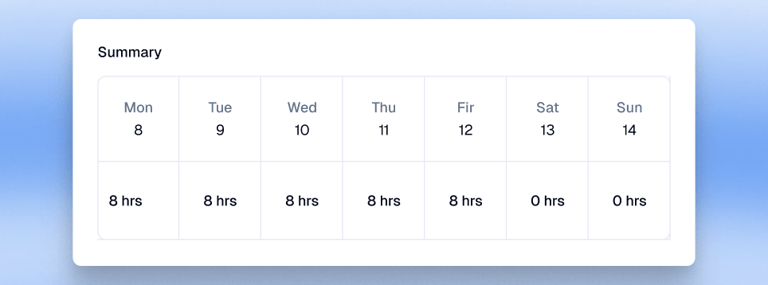
Velorona supports employee-hours invoices that use approved, billable employee time to calculate invoice amounts. Its invoice schedules group billable hours into recurring billing periods. Unapproved time is not included in the final invoice total, helping staffing firms base their invoices on approved work hours.
Does Velorona support different invoice schedules for staffing clients?
Velorona supports weekly, biweekly, semimonthly, and monthly invoice schedules for recurring billing based on approved hours. These schedules help staffing firms organize billable hours into defined billing periods. Confirm with Velorona how schedules are assigned to individual clients and whether client-specific scheduling requirements are supported.
Can I customize invoices in Velorona to meet client billing requirements?
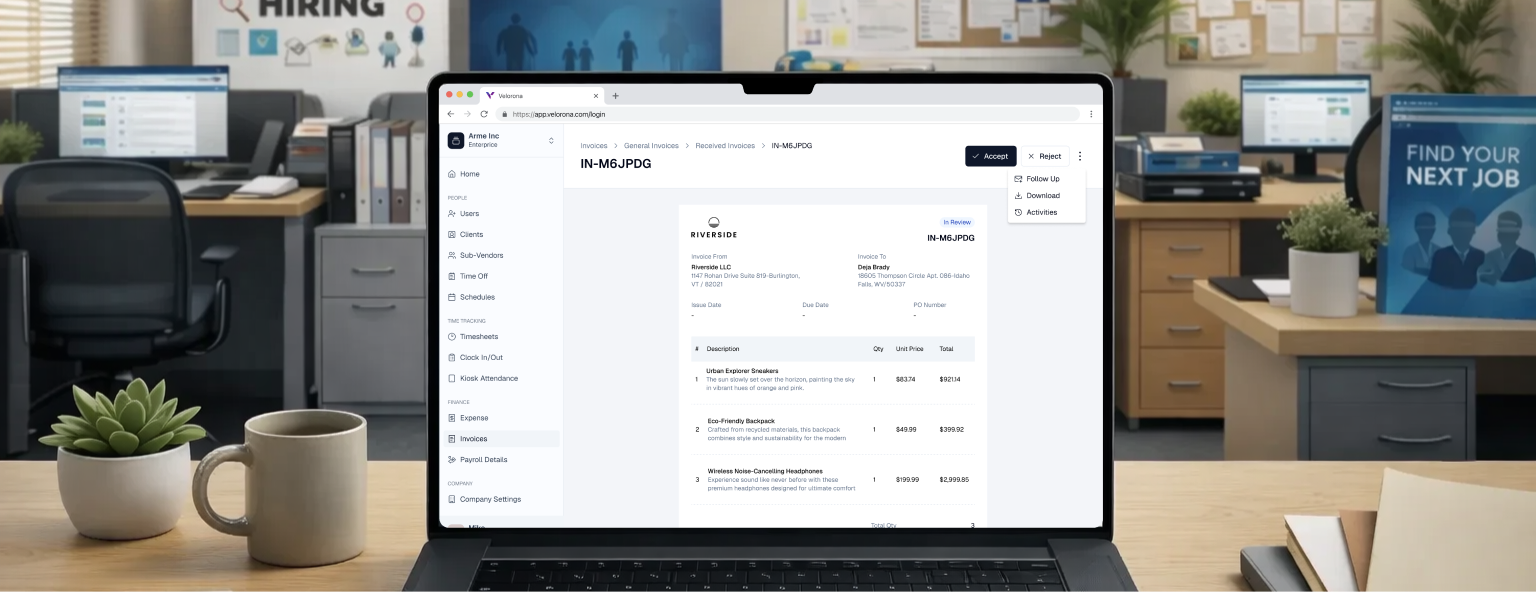
Velorona allows users to customize invoice details, including line items, descriptions, quantities, prices, invoice numbers, purchase order references, issue dates, due dates, discounts, taxes, shipping and handling charges, footer messages, and supporting attachments. General Invoices are designed for fixed fees, services, and expenses that are not tied to tracked work hours, while Employee-Hours Invoices are used for billing based on approved employee work hours. The platform also provides an editable invoice form and a live preview. Confirm whether custom invoice templates can be saved and assigned separately to individual clients, as this functionality is not explicitly documented.
How can I send and track invoices in Velorona?
Velorona allows users to finalize invoices, send them to clients, resend invoices already in the payment flow, and follow up with recipients. Users can track invoice statuses such as Draft, In Review, Pending, Pending Confirmation, Paid, Overdue, Rejected, and Archived. The Follow Up action opens a panel where users can compose a message with a PDF copy of the invoice automatically attached. Confirm whether additional delivery methods, client-portal access, and invoice-open tracking are supported, as these capabilities are not explicitly documented.