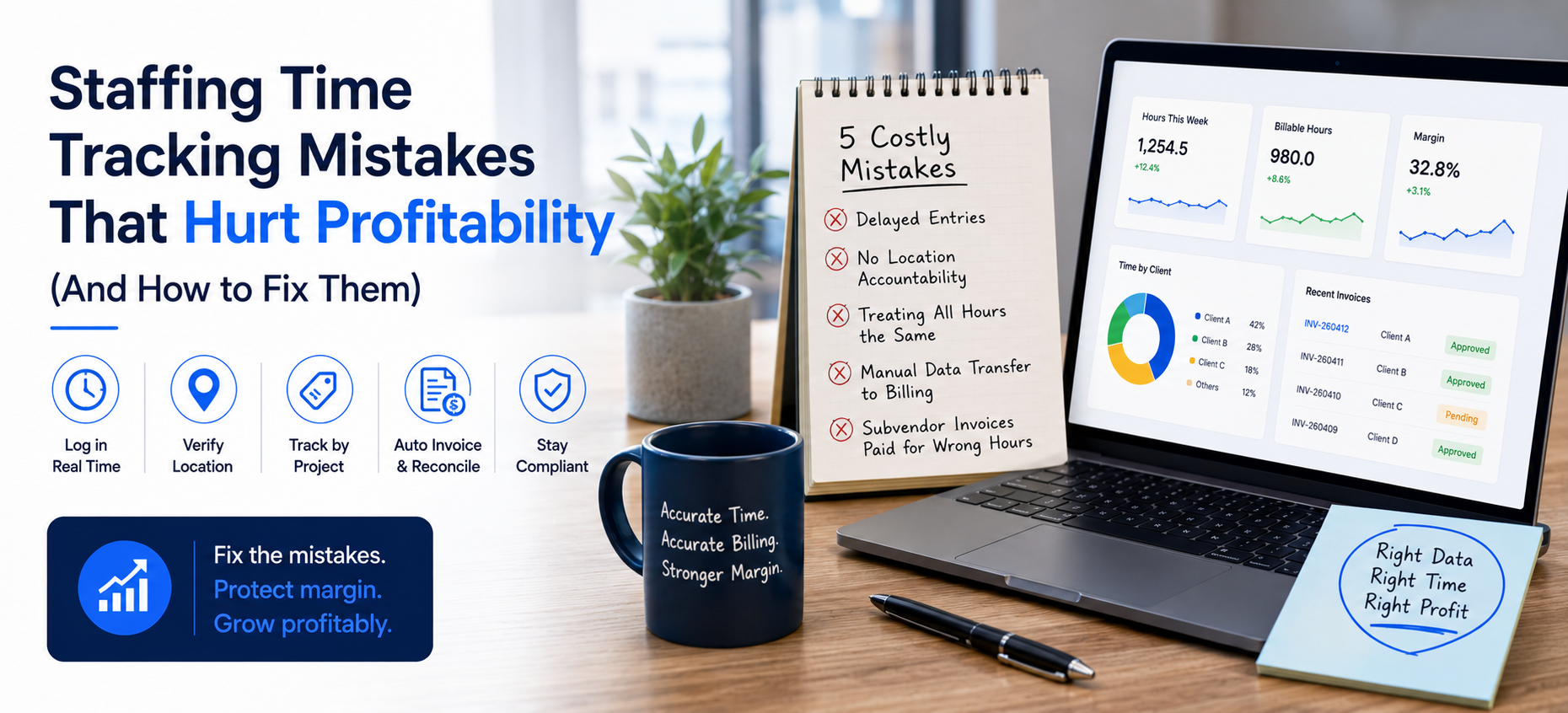
Staffing Time Tracking Mistakes That Hurt Profitability (And How to Fix Them)
Quick answer: Most staffing profitability problems trace to five preventable staffing time tracking mistakes: delayed entries, missing location accountability, treating all hours the same, manual data transfer to billing, and subvendor invoices paid for hours that never happened. This guide names each mistake with its impact and the specific Velorona capability that closes the gap.
For staffing firms, time data is the foundation of both billing and pay. So when that data is wrong, the error spreads to every downstream number. The good news is that these mistakes are predictable, and each one has a clear fix.
Why Does the Memory Gap in Timesheets Cost You Money?
When a consultant fills out a timesheet on Friday for work done Monday through Thursday, they are guessing rather than reporting. This is the first of the staffing time tracking mistakes. Consequently, delayed entry leads to lost billable hours from forgotten calls, short tasks, and client communication.
Instead, the fix is automated capture. Mobile timelogs record the entry at the moment of work. Moreover, smart reminders notify consultants with open timesheets before the cutoff, so approvals arrive before Monday.
Why Does Missing Location Accountability Hurt Profitability?
According to the American Payroll Association, time theft is a measurable drain on payroll. Without location verification, you effectively pay for hours that were never worked on site.
Therefore the fix is geolocation capture at every clock in, with off site entries flagged for approver review. However, it is worth being clear about scope. Kiosk attendance with photo and face match is a Velorona roadmap item targeted for Q3 2026, not a live feature today. Because biometric capture carries privacy duties, the Federal Trade Commission has published guidance worth reviewing before any biometric rollout.
Why Does Treating All Hours the Same Hide Your Margin?
Without granular tracking, you cannot calculate true margin per placement. In fact, this is one of the most overlooked staffing time tracking mistakes. As a result, a low margin client can look profitable for months.
Instead, the fix is project based tagging. You tag time by client, project, or billable category, so margin per consultant per client becomes a number the system knows. Consequently, you can shift effort toward the engagements that actually pay.
Why Does Manual Transfer to Billing Introduce Errors?
When time data is exported, reformatted, and rekeyed, each transfer introduces fresh error risk. Therefore the fix connects the steps. Approved hours become invoice line items automatically, with no copy and paste.
Furthermore, invoices deliver to a client portal rather than email, so DSO drops 15 to 30 days in the first quarter. Meanwhile, every incoming subvendor invoice is matched against approved hours before payment, which catches $12,000 to $25,000 a year at $500K spend.
How Does Compliance Blindness Create Risk?
The U.S. Department of Labor enforces overtime rules and recovers back wages every year. So a single audit can erase a month’s margin.
By contrast, the fix is a timestamped audit trail with two factor authentication, plus pay period locking so corrections always leave a record. As a result, a wage claim resolves in minutes from the log rather than days from memory.
What Is the ROI Roadmap?
The table below summarizes each mistake, its impact, and the matching fix.
| Mistake | Impact | Velorona fix |
|---|---|---|
| Memory gap in timesheets | Lost billable hours | Real time mobile clock in, reminders |
| Missing location accountability | Payroll inflation | Geolocation capture and flagging |
| No billable categorisation | Hidden admin cost | Project based tagging |
| Manual transfer to billing | $12K to $25K/year errors | Automated invoicing + reconciliation |
| Compliance gaps | Fines and back wages | Audit trail, locked periods |
For related reading, see how to fix timesheet chaos and clock in out software for staffing.
Frequently Asked Questions
How does Velorona reduce admin work?
Automated reminders, bulk approval, and automatic invoice generation remove the most time consuming manual steps. As a result, the controller spends less of the week chasing entries.
Can I track consultants across multiple sites?
Yes. Geolocation timelogs capture location at every clock event, and the data appears on the live attendance dashboard.
What if a consultant forgets to submit?
Velorona sends reminders before the deadline. For missed periods, retroactive timesheets can be generated for any period within the past 45 days.
Does Velorona have face recognition today?
No. Kiosk face match is targeted for Q3 2026. Today’s controls are mobile clock in, geolocation, and the audit trail.
Book a personalized demo at velorona.com/demo.