Expense Tracking Software: Control Staffing Project Costs
Quick answer: Expense tracking software helps a staffing firm see the true cost of serving each client and project. It does more than log receipts. In Velorona, expenses sit alongside approved hours, invoices, and sub-vendor reconciliation. As a result, cost shows up where margin is calculated, and the audit trail holds up when a cost is questioned.
Why Does Financial Oversight Break Down Without It?
For a staffing firm, money decisions are constant. Moreover, small costs add up quickly. Reimbursable consultant expenses, software subscriptions, and project costs all affect the margin on a client.
When those costs live in receipts and emails, oversight becomes guesswork. Therefore, expense tracking software fixes that by putting costs in the same system as the revenue they offset.
So instead of reconciling expenses against budgets by hand at month end, you see cost and margin together. Better still, you see them while the project is still running. As Investopedia explains, controlling operating costs is one of the clearest levers a service business has on profitability.
What Makes Expense Tracking Software Useful for Staffing?
The value is not a standalone expense log. Instead, it is expenses connected to the rest of the back office.
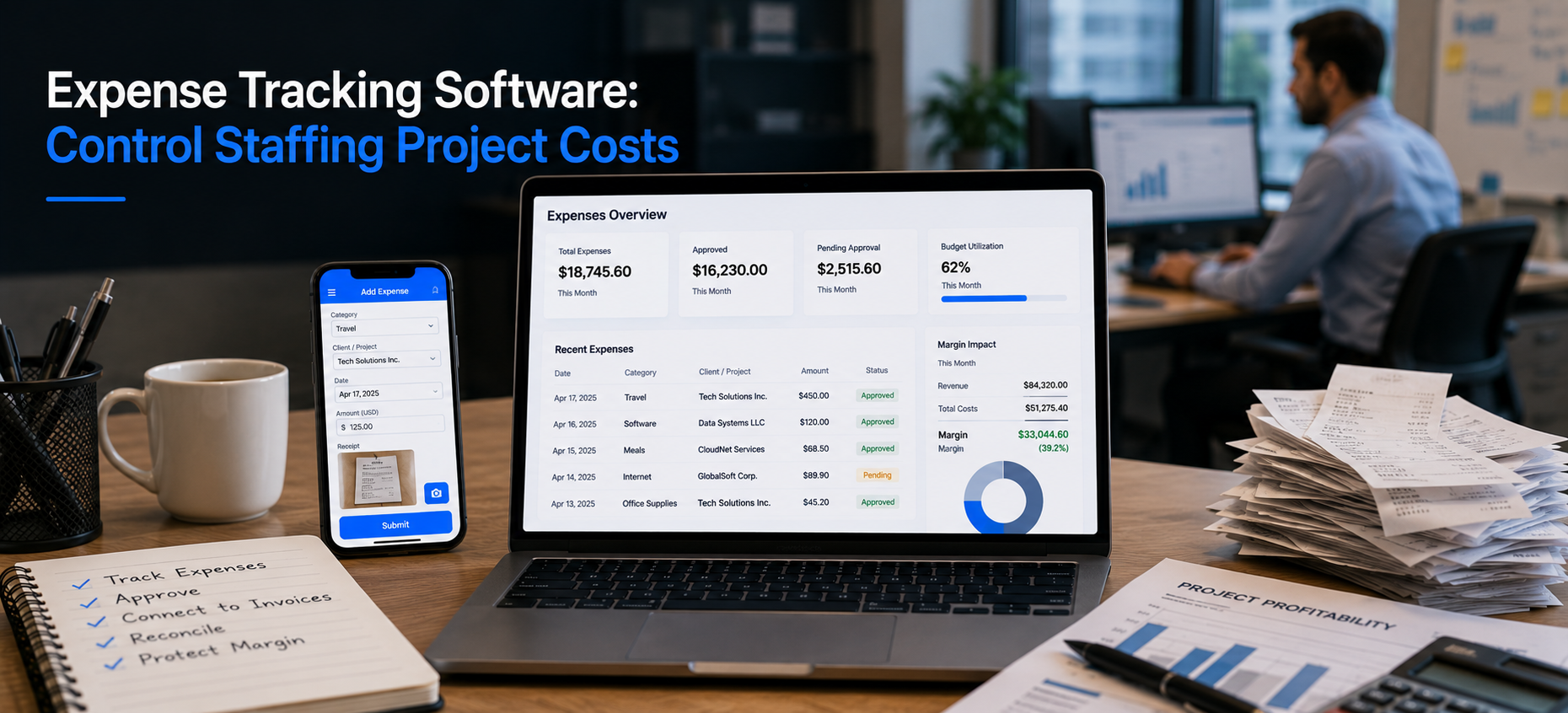
In Velorona, the expense tracker ties costs to specific clients, projects, and assignments. Consequently, you can answer the question that matters. Are we actually making money on this account?
That connection is what separates real expense tracking software from a digital receipt folder. When expenses, approved hours, client invoices, and subvendor reconciliation all draw from one system, cost visibility stops being a monthly archaeology project.
How Do Approval Workflows Reduce Back and Forth?
A clear approval path removes the “who approved this” problem. First, you define the rules. Then the system routes each expense to the right approver and records the decision.
As a result, accountability is built in rather than chased after the fact. Furthermore, the same multi-level approval workflow that handles timesheets handles expenses too.
How Does Expense Tracking Connect to Margin Visibility?
This is the point most expense tools miss. Logging a cost is only half the job. In addition, the cost has to land where margin is calculated.
When approved hours drive the client invoice and the inbound sub-vendor invoice, and expenses tie to the same client, margin becomes visible automatically. So instead of building a spreadsheet to find out which client is profitable, the owner can see it directly.
For example, the view shows revenue per consultant, cost per consultant, and margin per client. According to the U.S. Small Business Administration, this kind of ongoing cost discipline is essential to staying solvent as a business grows.
How Does the Audit Trail Protect You?
Every expense submission, edit, and approval is stored in a timestamped action history. Moreover, two factor authentication protects that record.
So, when a client or an auditor questions a cost, the record already exists. That same audit discipline resolves a billing dispute in minutes. As a result, you do not reconstruct events from memory and email threads.
What Does Expense Tracking Software Not Do Here?
| Live today | Not in scope or 2026 roadmap |
|---|---|
| Expense tracker tied to clients and projects | Tax filing (not a Velorona function) |
| Approval workflow and audit trail | QuickBooks Online sync (2026 roadmap) |
| Multi-currency rate cards and FX lock | Stripe Connect portal payments (2026 roadmap) |
| Margin visibility from connected data | Payroll execution (2026 roadmap) |
To be precise, Velorona is staffing back-office software. It does not file taxes or act as an accounting platform. Instead, it records and connects expenses so they feed margin and billing.
For firms working across currencies, multi-currency rate cards with FX lock are built in. Until QuickBooks Online sync ships, accounting data moves via CSV.
What Does It Cost and How Fast Is Go Live?
The expense tracker is part of the Team plan at $10 per user per month. Furthermore, annual billing saves 30 to 33 percent. There is also a one month free trial with no credit card, no setup fee, and a 5 to 14 day go live.
In contrast, enterprise platforms take 6 to 12 weeks to implement. They also charge $8,000 to $15,000 to set up. The American Staffing Association offers further benchmarks on staffing cost structures.
For related reading, see how to run your staffing back office on one platform. You can also read about automated invoicing for staffing firms.
FAQ: Expense Tracking Software
How does expense tracking software improve financial oversight?
It puts costs in the same system as the revenue they offset, tied to clients and projects. Therefore, margin is visible while the project is still running.
Can it handle multiple currencies?
Yes. Multi-currency rate cards with FX lock are built in for firms billing in one currency and paying in another.
Does it file taxes?
No. Velorona is staffing back-office software, not a tax platform. Accounting data moves via CSV until QuickBooks Online sync ships in 2026.
How are expenses kept accountable?
A defined approval workflow routes each expense to the right approver. In addition, every action is recorded in a timestamped audit trail.
See Expense Tracking Software Built for Staffing
See how connecting expenses to hours, invoices, and reconciliation turns cost tracking into real margin visibility.
Book a personalized demo: velorona.com/demo