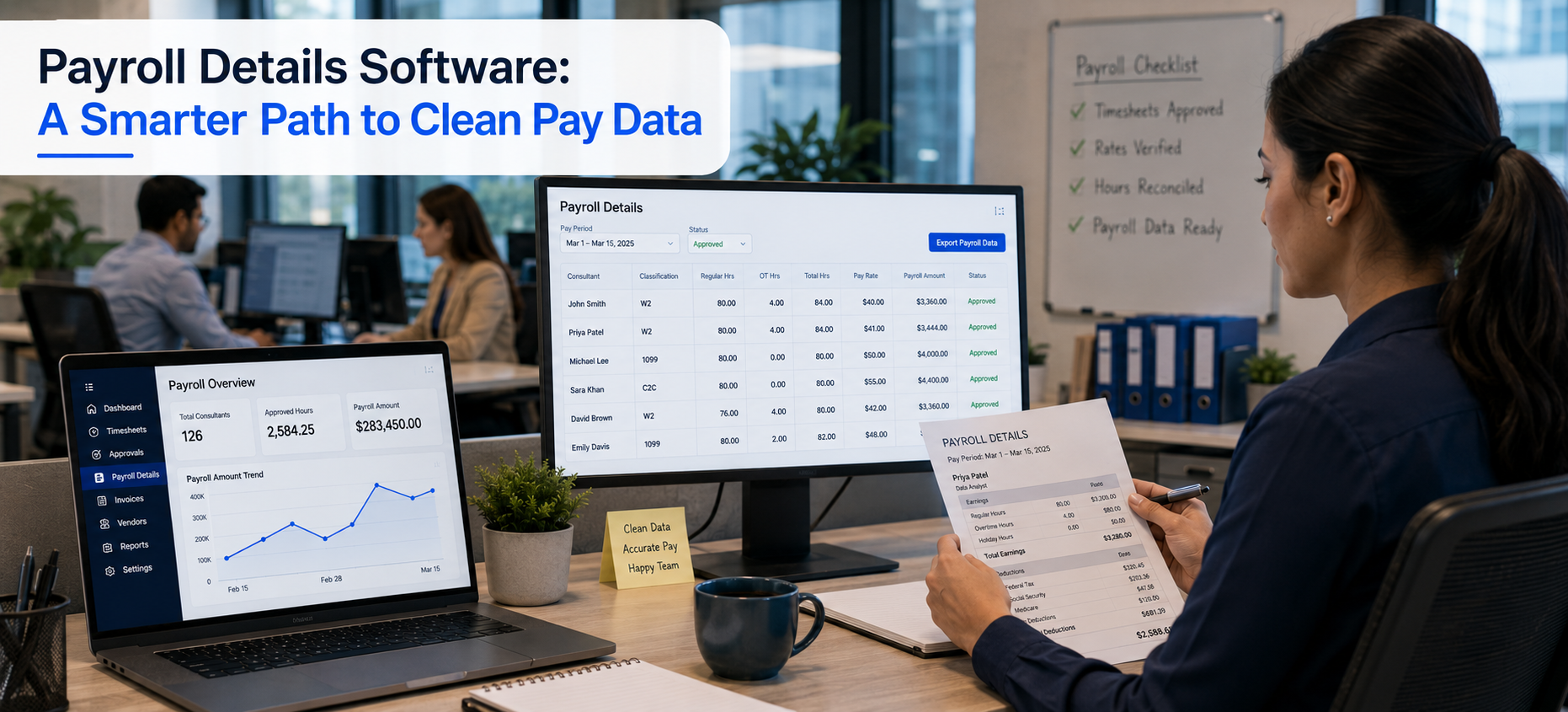
Payroll Details Software: A Smarter Path to Clean Pay Data
Quick answer: Payroll details software gives a staffing firm clean, verified hours and rates before the pay run begins. Velorona captures hours at the source, routes them through approval, and produces structured Payroll Details. As a result, the data your payroll process depends on is accurate before payday. To be clear, Velorona prepares payroll data; it does not run payroll or file taxes.
Why Does Payroll Feel Like a never ending Task?
Managing pay often feels relentless. You gather hours, check rates, and sort deductions before anyone gets paid. So, it is no surprise that payroll prep is one of the hardest parts of running a staffing firm.
However, the pay run itself is rarely the problem. Instead, the problem is the data feeding it. When that data lives in spreadsheets and email, errors slip in early.
Therefore, payroll details software fixes the input, not just the output. A note on language, because it matters. Velorona does not run payroll or file employment taxes. It produces Payroll Details and hands verified hours to your payroll process.
What Is the Real Cost of Manual Payroll Prep?
Manual prep carries hidden costs. You spend hours verifying hours, tracking overtime, and fixing spreadsheet mistakes. Moreover, each manual step is a place an error can hide.
Those errors are expensive. A wrong rate or a missed hour means a short paycheck and lost trust. According to the U.S. Department of Labor, accurate records of hours worked are also a legal requirement.
Consequently, the smart move is not more effort at payday. Instead, it is clean data before payday. That is what payroll details software delivers.
How Does Velorona Produce Clean Payroll Details?
Velorona connects the steps so verified hours flow cleanly. First, a consultant submits a timesheet or clocks in through timelogs, with geolocation on clock in.
Next, a multi-level approval workflow routes entries to the right approver. That approver then clears up to 50 in a single click.
Finally, approved hours and configured rates become structured Payroll Details. As a result, your payroll process starts from verified data, not a spreadsheet rebuild.
How Does Self Service Improve Communication?
Pay questions eat into everyone’s day. So, transparency helps both sides.
With Payroll Details, workers see their own logged hours and rates through a clear view. Therefore, they can flag a discrepancy early, before payday. As a result, HR and finance field fewer last-minute questions.
Furthermore, this transparency builds trust. Workers know the numbers are visible and backed by a record.
How Does It Protect Margin at the Same Time?
Payroll details software is not only about pay. It also guards margin.
Most staffing firms leak 3 to 5 percent of subvendor spend to invoice errors. That is $12,000 to $25,000 a year on $500K of spend.
However, Velorona matches inbound subvendor invoices against approved hours through the Vendor Hub. Then it flags mismatches before payment. So, the same clean data that feeds payroll also protects profit.
How Does It Keep Records Secure and Defensible?
Pay data is sensitive. So, security matters.
Velorona stores every entry, edit, and approval in a timestamped audit trail. In addition, two factor authentication protects access. Consequently, a wage dispute resolves in minutes from the record. The IRS also stresses that solid recordkeeping protects a business at tax time.
What Does Velorona Do, and Not Do?
| Live today | on the 2026 roadmap or out of scope |
|---|---|
| Verified time capture and bulk approval | Payroll execution (Q4 2026 roadmap) |
| Payroll Details, admin and worker views | 1099 NEC generation (Q4 2026 roadmap) |
| Subvendor reconciliation and multi-currency | QuickBooks Online sync (2026 roadmap) |
| Audit trail with two factor authentication | Tax filing (not a Velorona function) |
To be precise, Velorona does not calculate salaries, withhold taxes, or process payroll. Those belong to a payroll provider such as Gusto. Velorona produces Payroll Details and makes you payroll ready. Until QuickBooks Online sync ships, data moves via CSV.
What Does It Cost and How Fast Is Go Live?
Starter is $6 per user per month, and Team is $10 per user per month. Furthermore, annual billing saves 30 to 33 percent. There is also a one-month free trial with no credit card, no setup fee, and a 5 to 14 days to go live.
In contrast, enterprise platforms take 6 to 12 weeks to implement. They also charge $8,000 to $15,000 to set up.
For related reading, see how to get payroll ready in minutes instead of days. You can also read about payroll accuracy software for staffing.
FAQ: Payroll Details Software
Does Velorona run payroll?
No. It produces Payroll Details and hands verified hours to your payroll process. Payroll execution is a Q4 2026 roadmap item.
How does payroll details software prevent errors?
Hours are verified at the source, and rates are configured once per assignment. Therefore, clean data reaches payroll without rekeying.
Can workers see their own pay data?
Yes. Payroll Details give workers visibility into their hours and rates, so they can flag issues early.
Does it handle W2, 1099, and C2C?
Yes. All three are supported, with invoice and payout rates configured per assignment.
See Payroll Details Software in Action
See how Velorona turns verified hours into clean Payroll Details, so payday starts right.
Book a personalized demo: velorona.com/demo