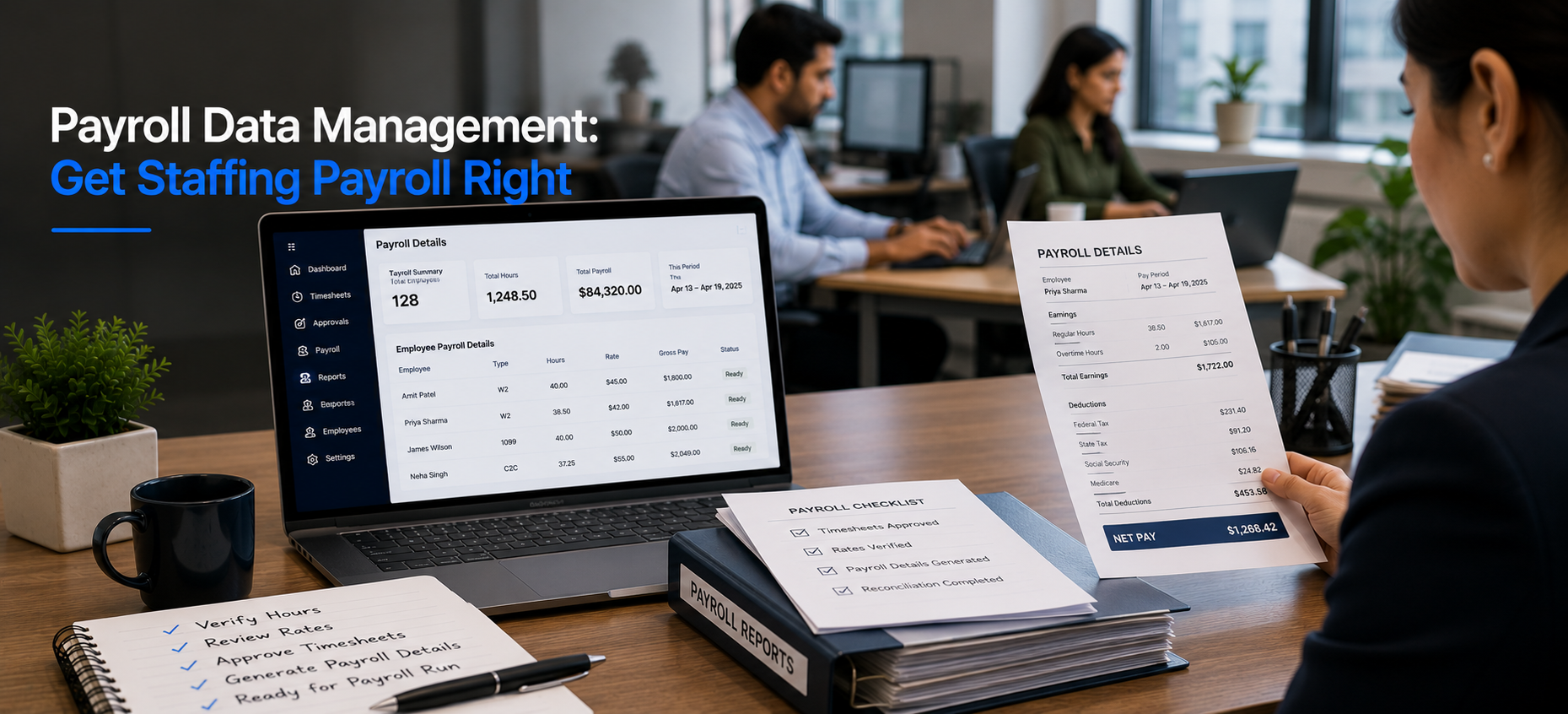
Payroll Data Management: Get Staffing Payroll Right
Why Does Payroll Feel Like a Juggling Act?
For a growing staffing firm, payroll day rarely feels calm. Timesheets arrive late. Compliance deadlines loom. Then the “why is my paycheck short” emails hit the inbox at 8 a.m.
However, payroll itself is rarely the real problem. Instead, the problem is the data feeding it.
When that data lives in spreadsheets and email, errors slip in early. Consequently, they only surface on payday. So strong payroll data management starts long before the pay run.
A note on language, because it matters. Velorona does not run payroll or file employment taxes. Instead, it produces Payroll Details and hands verified hours to your payroll process.
What Does the Real Cost of Inefficiency Look Like?
Payroll mistakes do more than irritate employees. In addition, they carry real cost.
For example, misfilings can trigger penalties. Moreover, repeated pay errors quietly erode team trust. According to the U.S. Department of Labor, accurate records of hours worked are a legal obligation, not an optional extra.
Most issues are not caused by carelessness. Rather, they come from disconnected tools and inconsistent processes. Therefore, the fix is better payroll data management, not more effort.
How Does Velorona Improve Payroll Data Management?
Next, a multi level approval workflow routes entries to the right approver. That approver then clears up to 50 in a single click.
Finally, approved hours and configured rates become structured Payroll Details. As a result, your payroll process starts from clean data instead of a spreadsheet rebuild.
How Does Connected Data Prevent Pay Errors?
Pay is only as accurate as the hours behind it. So when hours are verified at the source, fewer errors reach payday.
Rates are configured once per assignment. After that, approved hours carry those rates automatically. Therefore, nobody applies last month’s rate from memory.
How Does It Protect Margin at the Same Time?
Payroll data management is not only about pay. It also protects margin.
Most staffing firms leak 3 to 5 percent of subvendor spend to invoice errors. That is $12,000 to $25,000 a year on $500K of spend.
However, Velorona matches inbound subvendor invoices against approved hours. It does this through the Vendor Hub and flags mismatches before payment. As a result, you catch the error before the money leaves.
What Does Velorona Handle Today, and What Is Coming?
| Capability | Status today |
|---|---|
| Verified time capture and bulk approval | Live |
| Payroll Details (transparency, admin and worker views) | Live |
| Subvendor reconciliation and multi currency | Live |
| Audit trail with two factor authentication | Live |
| Payroll execution, 1099 NEC generation, QuickBooks Online sync | 2026 roadmap |
To be precise, Velorona is staffing back office software. It does not calculate salaries, withhold taxes, or process payroll. Those are functions of a payroll provider such as Gusto or ADP. Until QuickBooks Online sync ships, data moves via CSV.
How Does It Support Timely, Trusted Paychecks?
Nothing builds trust like getting paid correctly and on time. So transparency matters.
With Payroll Details, employees can see their own logged hours and rates. Therefore, they can flag a discrepancy early, before payday. As a result, HR fields fewer last minute questions.
What Does It Cost and How Fast Is Go Live?
Starter is $6 per user per month, and Team is $10 per user per month. Furthermore, annual billing saves 30 to 33 percent. There is also a one month free trial with no credit card, no setup fee, and a 5 to 14 days go live.
In contrast, enterprise staffing platforms take 6 to 12 weeks to implement. They also charge $8,000 to $15,000 to set up. The American Staffing Association offers further benchmarks on staffing operations.
For related reading, see how to get payroll ready in minutes instead of days. You can also read how to eliminate payroll errors by fixing your time data first.
FAQ: Payroll Data Management
Does Velorona run payroll?
No. It produces Payroll Details and hands verified hours to your payroll process. Payroll execution is a 2026 roadmap item.
How does payroll data management prevent errors?
Hours are verified at the source, and rates are configured once per assignment. Therefore, clean data reaches payroll without manual rekeying.
Can employees see their own pay data?
Yes. Payroll Details give workers visibility into their logged hours and rates, so they can flag issues early.
Does it handle W2, 1099, and C2C together?
Yes. All three are supported, with invoice and payout rates configured per assignment.
See Payroll Data Management Built for Staffing
See how Velorona turns verified hours into clean Payroll Details, so your payroll run starts right.
Book a personalized demo: velorona.com/demo