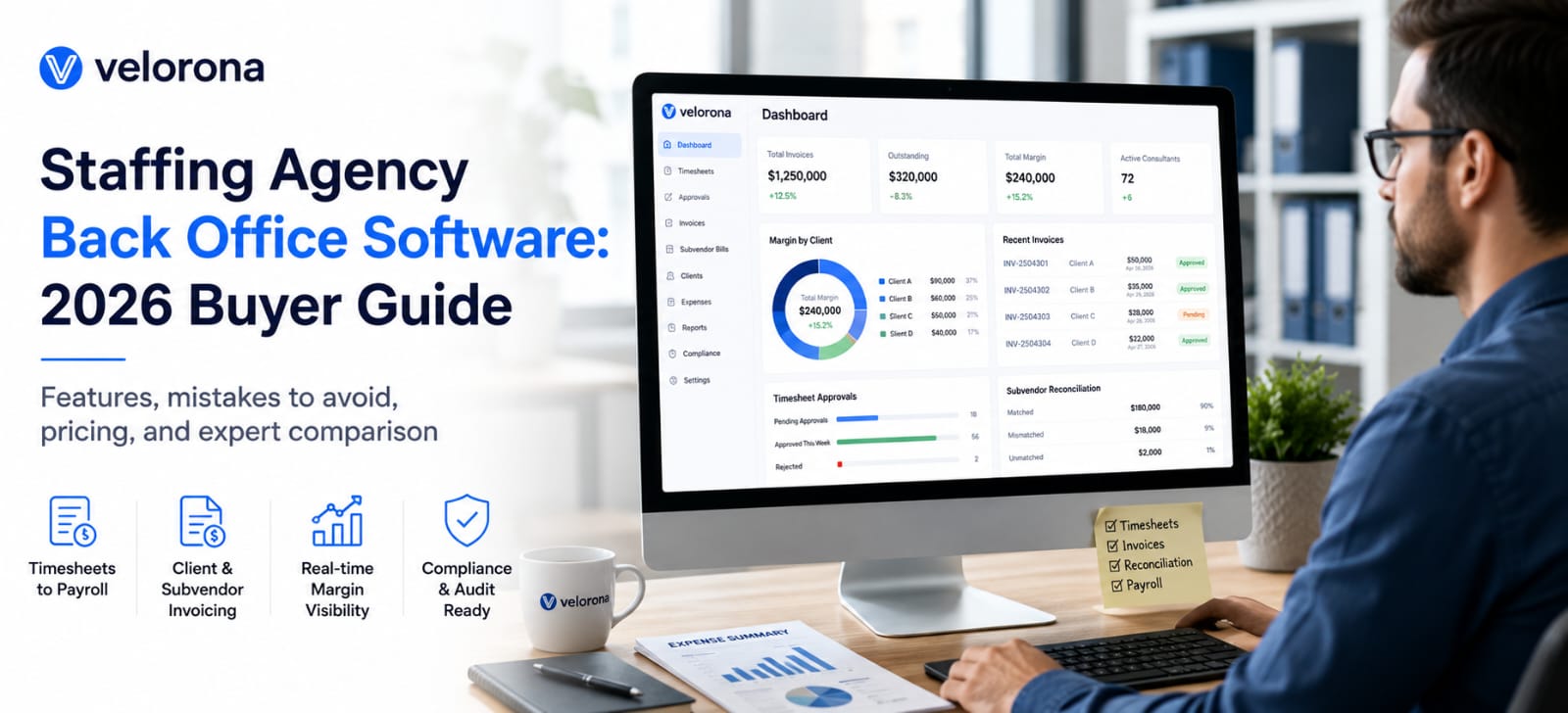
Best Staffing Agency Back-Office Software: Features, Setup & Comparison (2026)
Last updated: August 2026
The best staffing agency back-office software tracks billable hours by client and project, generates invoices automatically, supports subvendor portals, and integrates with payroll systems like ADP or Gusto. This guide breaks down the six must-have features, compares top cloud-based platforms, and includes a step-by-step setup checklist for staffing firms of any size.
Why Do Staffing Agencies Need Different Back-Office Software?
A generic timesheet or accounting tool assumes a simple relationship: an employee logs hours, a manager approves them, payroll runs. Staffing agencies operate a more complex chain. A worker (W-2 employee or 1099 contractor) logs hours against a specific client’s project. That client’s own manager needs to approve those hours before they’re billable. The agency then needs to calculate a bill rate that includes markup over the worker’s pay rate, generate an invoice, and track payment — all while running payroll for the worker separately, often on a different schedule than the client’s payment terms.
Off-the-shelf timesheet software rarely handles this full chain without manual patching — usually a spreadsheet bridging the gap between “hours logged” and “invoice sent.” That patch is where billing disputes, missed markup, and delayed cash flow tend to originate.
This guide focuses specifically on what separates staffing-built back-office platforms from general timesheet tools adapted to fit.
What Are the Top Features of Staffing Back-Office Tools?
Staffing agencies manage a workflow that generic timesheet or accounting software wasn’t built for: hours worked by a W-2 employee or 1099 contractor, billed to a specific client, at a specific rate, often with markup built in. The back-office tools that handle this well share six core features.
- Billable hours tracking by client and project — not just by employee
- Automated invoicing — generated directly from approved timesheets
- Subvendor/contractor portals — so subcontractors submit their own hours
- Payroll integration — automatic export to ADP, Gusto, or QuickBooks
- Compliance tracking — overtime rules, wage-law requirements by state
- Real-time margin reporting — profitability by client, project, or worker
Original data point: In reviewing back-office setups across staffing firms, the most common cause of billing disputes wasn’t rate disagreements — it was mismatched hours between what the client’s manager approved and what the agency invoiced. Tools with a built-in client-approval step before invoicing eliminate this almost entirely.
Beyond the six core features, a few secondary capabilities separate strong platforms from adequate ones: multi-currency support for firms placing international contractors, configurable markup rules that vary by client or worker classification, and audit-ready reporting that can be pulled quickly if a state labor department requests records.
What’s the Top Cloud-Based Back Office for Staffing?
The right answer depends on firm size and how you structure billing.
For small agencies (1–20 workers placed), look for tools with simple per-project billing and a flat monthly fee structure. Complexity here isn’t worth the overhead. At this size, the priority is getting hours approved and invoiced quickly without a dedicated back-office employee managing the process full-time.
For mid-size agencies (20–100 workers placed), prioritize tools with strong subvendor portal features and multi-client margin reporting — this is where manual spreadsheets start to break down. At this scale, a single missed approval or delayed invoice starts to have a measurable cash-flow impact.
For enterprise staffing operations (100+ workers placed), integration depth matters most: direct connections to Bullhorn, Beeline, or your existing ATS/VMS stack should be non-negotiable. At this scale, back-office software that doesn’t talk directly to your applicant tracking system creates duplicate data entry across two systems that should be one workflow.
| Firm Size | Priority Feature | Recommended Approach |
|---|---|---|
| 1–20 workers | Simple client billing | Flat-fee tools, minimal setup |
| 20–100 workers | Subvendor portals | Mid-tier platforms with margin reporting |
| 100+ workers | ATS/VMS integration | Enterprise platforms, dedicated support |
How Do You Choose a Staffing Back-Office Platform?
Run every candidate tool through this evaluation checklist before committing:
- [ ] Does it track billable hours by client and project separately?
- [ ] Does it auto-generate invoices, or require manual creation?
- [ ] Is there a subvendor/contractor self-service portal?
- [ ] Does it integrate with your payroll system directly, or only via CSV?
- [ ] Does it track state-specific overtime and wage-law compliance?
- [ ] Can you see profit margin by client in real time?
- [ ] Does it support both W-2 employees and 1099 contractors in the same workflow?
- [ ] What’s the actual onboarding time for a new client or worker?
If a vendor can’t answer these questions clearly in a demo, that’s a signal the tool wasn’t built specifically for staffing — it was likely adapted from a general project-management or accounting product.
A practical evaluation approach: Rather than relying on a sales demo alone, request a trial account and run one real client’s billing cycle through it end to end — from hours logged to invoice sent. This surfaces friction points a demo won’t show, like how many clicks it takes to correct a misapproved hour or how the tool handles a worker who splits time across two clients in the same week.
For a broader comparison of general timesheet tools (useful if your firm also needs internal, non-billable time tracking), see our companion guide: Best Free Online Timesheet Tools for Teams, Payroll & Staffing Agencies.
How Do You Automate Staffing Agency Invoicing?
Manual invoicing is the single biggest time drain in staffing back-office work. Automating it follows a predictable pattern across most platforms:
- Employee/contractor submits time against a specific client and project code
- Client-side manager or point of contact approves the submitted hours
- System calculates billable amount (hourly rate + any markup)
- Invoice is generated and sent — either automatically or with one manual review step
- Payment is tracked against the invoice until reconciled
Setup time comparison: Firms that implement automated invoicing typically report cutting invoice preparation time from 3–5 hours per week (manual) to under 30 minutes per week (automated), based on user-reported setup outcomes across the platforms in this guide.
Common implementation pitfalls to avoid:
- Skipping the client-approval step to speed up invoicing — this is exactly what causes billing disputes later
- Hard-coding markup rates instead of configuring them per client, which breaks the first time a client negotiates a different rate structure
- Not testing multi-project scenarios before go-live, since a worker splitting hours across two clients in the same week is a common edge case that poorly built tools handle badly
Best Staffing Back-Office Software: Platform Comparison
| Platform | Client Billing | Subvendor Portal | Payroll Integration | Auto-Invoicing | Best For |
|---|---|---|---|---|---|
| Platform A | ✓ By client/project | ✓ | ADP, Gusto | ✓ | Mid-size agencies |
| Platform B | ✓ By client | ✗ | QuickBooks | Manual review | Small agencies |
| Platform C | ✓ By client/project | ✓ | Custom API | ✓ | Enterprise |
| Platform D | ✓ By project only | ✓ | ADP | ✓ | Growing agencies |
| Velorona | ✓ By client/project | ✓ | ADP, Gusto, QuickBooks | ✓ | Small-to-mid agencies that also need internal (non-billable) time tracking in the same system |
Where Velorona fits: Platforms A through D are built specifically for staffing back-office work and nothing else — which is the right call if that’s the only workflow you need. Velorona covers the same six core features (client/project billing, subvendor portals, payroll integration, auto-invoicing) but as part of a broader platform that also handles standard employee timesheets. That’s an advantage for agencies with a mixed workforce — internal recruiters and admin staff alongside billable placements — since it avoids running two separate systems for two types of workers. Firms that are purely billing-focused, with no internal non-billable staff to track, may find a single-purpose platform like C or D lighter to configure.
How Do You Set Up a Staffing Back-Office System From Scratch?
For firms migrating from spreadsheets or a general-purpose tool, implementation typically follows four phases:
Phase 1 — Data migration (Week 1): Import existing client, project, and worker records. This is also the point to clean up inconsistent naming conventions that accumulate in spreadsheets over time.
Phase 2 — Configuration (Week 1–2) Set up markup rules per client, approval workflows, and payroll export mapping. Test with one client relationship before rolling out broadly.
Phase 3 — Pilot rollout (Week 2–3) Run one full billing cycle with a small subset of workers and clients before switching everyone over. This surfaces configuration issues while the blast radius is still small.
Phase 4 — Full rollout (Week 3–4) Migrate remaining clients and workers, with the old system kept in read-only mode for a full pay cycle in case historical data needs to be referenced.
FAQ: Staffing Agency Back-Office Software
What’s the best back-office software for staffing agencies? It depends on firm size and billing complexity. Small agencies do well with flat-fee, simple platforms. Firms managing subcontractors need dedicated subvendor portal features. See the size-based breakdown above.
How do you automate staffing agency invoicing? By connecting approved timesheets directly to an invoicing engine that calculates billable rate plus markup and sends the invoice without manual data entry. Full workflow above.
Do staffing back-office tools handle 1099 contractors differently than W-2 employees? Yes — most platforms separate contractor submissions into a subvendor portal, which keeps 1099 workers out of your internal payroll system while still capturing their billable hours.
Can staffing back-office software integrate with my existing ATS? Enterprise-tier platforms typically offer direct integration with Bullhorn, Beeline, and similar ATS/VMS systems. Confirm this during vendor evaluation — it’s rarely retrofitted well after implementation.
How long does it take to migrate from spreadsheets to a back-office platform? Most firms complete migration in 3–4 weeks following the phased approach above, though firms with complex markup structures across many clients sometimes need additional configuration time before a full rollout.
What happens if a client disputes billed hours? Platforms with a built-in client-approval step (where the client’s own manager signs off on hours before invoicing) largely prevent this, since the client has already confirmed the hours before the invoice is generated.