Invoices
Has A Client Ever Told You
They Never Received The Invoice? Again?
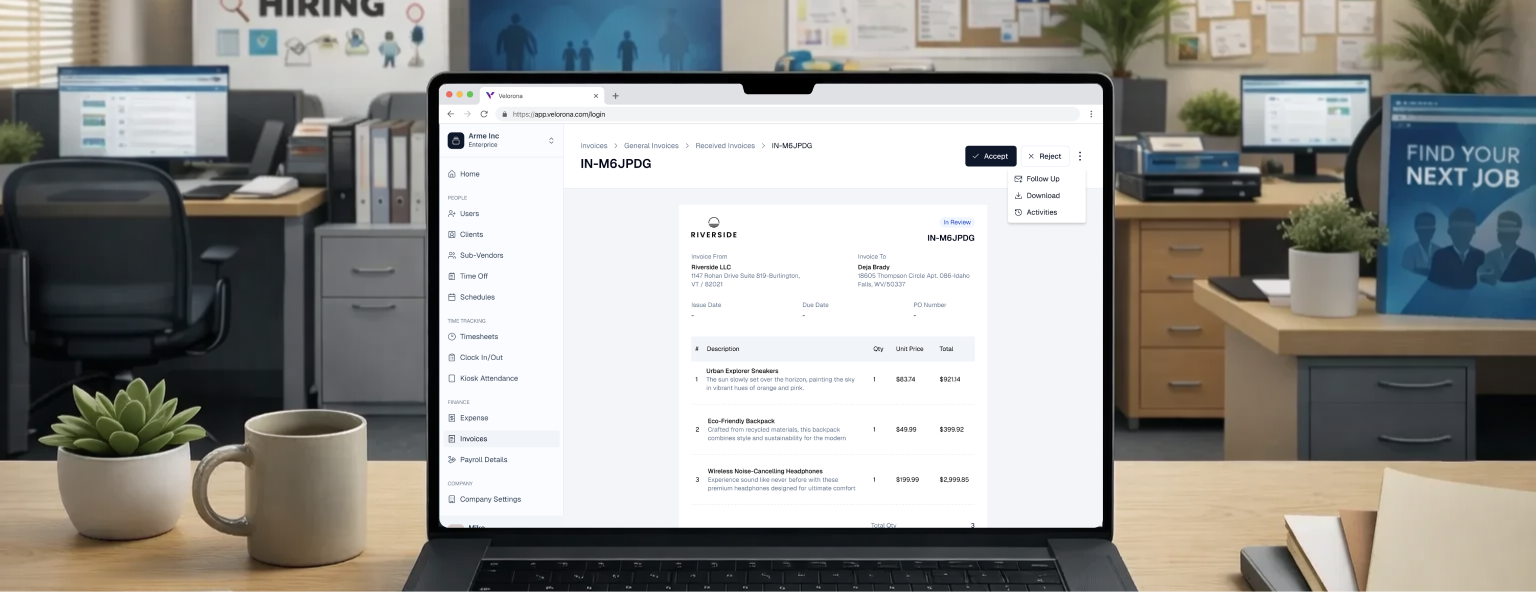
Velorona delivers invoices through a client portal, not email.
No lost attachments, no delivery disputes, and complete visibility into when invoices are viewed and approved.
The Velorona Impact
Bidirectional reconciliation. The accuracy layer.
- Sub-vendor invoices auto-match against consultant hours.
- Mismatches flagged before payment.
- Catches $4,000 errors before they clear
Client portal delivery. The dispute killer.
- Invoices are automatically delivered to the client portal and to email.
- Clients see when it was sent, opened, reviewed, and approved.
- ‘I never received it’ dispute disappears. Typical DSO improvement: 15–30 days in the first quarter.
Approved hours become invoices automatically.
- No manual input of Weekly, bi-weekly, semi-monthly, or monthly on your billing schedule.
Sub-vendor invoices are auto-matched against consultant hours.
- Mismatch flagged before payment.
- Catches $4,000 errors before they clear.
Custom invoice templates per client.
- Match your client’s invoice format requirements.
- Configured once, applied automatically. Builds loyalty through attention to detail.
Invoice scheduling. Automatic.
- Set once per client. Generates and delivers on schedule.
- No manual trigger. No missed deadlines.
PO balance tracked. Alerts at 80%.
- Prevents client overages.
- No surprise invoices beyond budget.
Late-payment automation. Client reminders.
- Auto-reminders at 7, 14, and 30 days. No manual chase.
- Clients receive reminders before the deadline, not after.
How Does It Actually Work?
Timesheet to Invoice with Zero Manual Steps
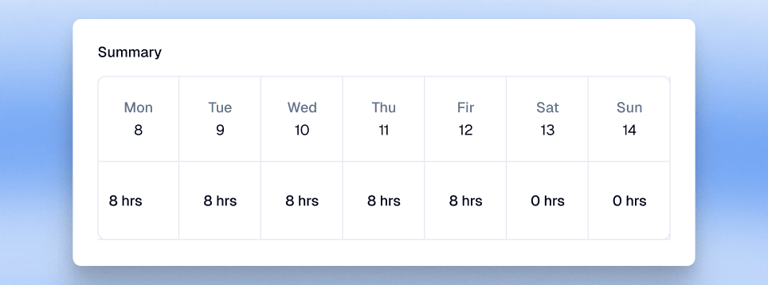
- Approved hours auto-captured with rates and totals
- Client-based invoices consolidate multiple consultants
- Employee-based invoices cover single contractors
- General invoices handle flat-fee billing

Client Portal Features (What clients see)
- Invoice delivered automatically with no email hassles.
- Open/viewed/approved tracking. Clients see status in real-time
- Invoice approval workflow with inline comments, no email threads
- Payment status visible when the invoice was sent, opened, and paid
- Multi-contact access, which the AP team can approve separately from the decision-maker

Sub-vendor Invoices Auto-Matched. Before Payment.
- Track incoming and outgoing invoices in one view
- Auto-match against approved consultant hours
- Mismatch flagged with dollar amount and hours variance
- Full audit trail on every match
Full Invoice Lifecycle Management
- Edit draft invoices before sending
- Finalize the auto-lock number, date, and due date
- Resend with updated dates, preserve send history
- Archive without deleting records

Invoice on Time. Get Paid Faster.
Auto-match sub-vendor invoices. Deliver to client portal (not email). Typical DSO improvement: 15–30 days in the first quarter.