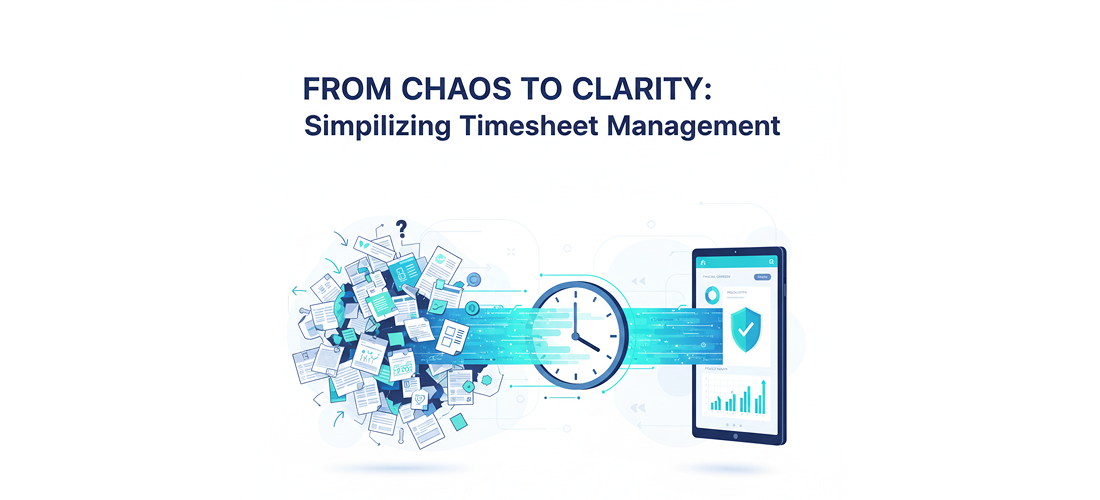
From Chaos to Clarity: Simplifying Timesheet Management
If chasing spreadsheets feels like a part-time job, here’s the real reason your cash flow is stuck.
Let’s be honest: if your current system involves emailing Excel files, tallying up notes, or reminding managers about pending approvals (again), you’re not just tracking time—you’re managing an administrative crisis. That lag between work completion and invoice submission isn’t just annoying; it’s an expensive operational gap that kills productivity and strains client relationships.
The core problem isn’t the work itself; it’s the broken connection between time worked and money earned. When your billable hours management is manual, you’re constantly losing money.
You’re probably doing data entry, not time management—and it’s costing you more than you think.
The traditional timesheet process is built on assumptions that no longer hold true in a modern, hybrid work environment.
You’re tracking time on the job site, in a client’s office, or from a home desk, only to manually transcribe it into a spreadsheet later. This results in “re-creation syndrome,” where employees rush to recall their hours on Friday afternoon, leading to inaccurate entries, overlooked details, and delayed billing. This is why investing in the right time tracking software is no longer optional—it’s foundational to financial health.
The real-world context: Every hour you spend correcting errors, manually cross-referencing projects, and hunting down signatures is non-billable time. For service-based firms and staffing agencies, this administrative friction can silently siphon 5-10% of your potential revenue, turning profitable projects into break-even nightmares. Your teams are focused on paperwork, not performance.
The Only Way Out: Stop Tracking, Start Automating
The future of efficient operations doesn’t lie in better spreadsheets; it lies in Intelligent Time Management. The governing principle is simple: time data must flow seamlessly from the point of capture directly to payroll and invoicing with zero human interference needed for routing or validation.
This shift is powered by timesheet automation—the principle of using smart systems to handle the tedious, error-prone tasks so humans can focus on reviewing, strategizing, and working.
The Path to Precision: 4 Actionable Steps for Timesheet Automation
To move from chaos to clarity, you need a system that enforces this principle of automatic data flow. Here is the framework:
- Enable Smart Data Capture
- What to do: Implement a system that allows bulk entry or mobile-friendly logging across multiple days, projects, and clients simultaneously.
- Why it matters: It removes the barrier of entry for employees. If logging time takes less than 60 seconds, they will do it accurately and on time, perfecting your billable hours management.
- If you skip it: You’re stuck with re-creation syndrome and inaccurate end-of-week entries, making the data useless for strategic decision-making.
- Micro-example: Instead of 10 individual entries, a user fills in a matrix-style view in two minutes, logging 40 hours for the week across 5 projects with one click.
- Institute the Intelligent Approval Hub
- What to do: Set up dynamic approval workflows that automatically route timesheets and provide managers with contextual data (like leave history or holiday context) during review.
- Why it matters: This cuts approval time from days to minutes. A structured timesheet approval workflow is the single fastest way to accelerate your entire billing cycle.
- If you skip it: The timesheet sits in an email inbox, delaying the final payroll run and pushing out the invoice date, creating a serious cash flow gap.
- Connect Time Data Directly to Billing
- What to do: Ensure your time tracking system integrates directly with your billing module to generate invoices automatically based on approved hours and assigned rates.
- Why it matters: This eliminates the most common manual error: transferring billable hours from one system to another. Look specifically for software to generate invoices from timesheets without manual double-entry.
- If you skip it: You introduce reconciliation headaches, under-bill clients due to missing hours, or over-bill and damage trust.
- Leverage Business Intelligence (BI)
- What to do: Use the collected time data to generate real-time productivity reports and predictive analytics.
- Why it matters: This transforms timesheets from an administrative task into an asset. You can identify productivity trends, forecast resource needs, and spot optimization opportunities.
- If you skip it: You’re blind to operational inefficiencies. You only see what happened, not why, or what’s coming next.
Proof Point: The Shift from Lagging to Leading
Consider the difference:
| Old Way (Spreadsheets & Manual Review) | New Way (Timesheet Automation) |
|---|---|
| Data Integrity: Low (Relies on memory) | Data Integrity: High (Captured in real-time) |
| Approval Time: 3-5 days (Chasing managers) | Approval Time: <1 day (Intelligent Timesheet Approval Workflow) |
| Invoicing: Requires manual re-entry and verification | Invoicing: Automatic upon timesheet approval |
| Outcome: Delayed payments, 5-10% revenue lost to non-billable admin. | Outcome: Accelerated cash flow, up to 40% boost in overall productivity. |
Addressing the Misconception: Is Automation Too Complex?
A common fear is that implementing powerful timesheet automation means overhauling your entire tech stack or training everyone on complex new software. This isn’t true anymore.
Most people assume automation means rigid, one-size-fits-all software. However, modern platforms—the best time tracking software on the market—are designed for agility, offering cross-device synchronization and bulk-entry options that make the automated way simpler than the old way from day one. The real mess is maintaining the old way, not adopting the streamlined new way.
Transformation: From Paperwork Panic to Predictive Power
You don’t need to live in the cycle of reactive timesheet chasing anymore. The transformation is profound:
- The REAL Problem: Manual timesheets create administrative debt that slows down billing.
- The New Path: Implement Intelligent Time Management with end-to-end timesheet automation and dedicated billable hours management.
- The Shift in Outcome: Your organization moves from spending time on data collection to gaining a competitive edge through business intelligence and perfectly accurate, compliant billing.
Ready to Streamline Your Operations?
If you’re seeking a platform that embodies this transformation—combining smart time capture, a seamless timesheet approval workflow, and the ability to instantly generate invoices from timesheets—you need a system built for the modern workforce. Velorona offers an all-in-one time tracking software solution specifically designed to turn your timesheet headache into a seamless, productive experience. Learn how you can start accelerating your cash flow and boosting productivity today.
Frequently Asked Questions (FAQ)
Q: What is the primary benefit of timesheet automation?
The primary benefit is shifting from reactive data entry to proactive business intelligence. It increases the accuracy of recorded hours, accelerates the time-to-invoice cycle, and provides real-time data for better resource and project management.
Q: How does automated timesheet software ensure accurate client invoicing?
The best software to generate invoices from timesheets automatically links approved time entries directly to the billing module. This eliminates the need for manual data transfer, drastically reducing reconciliation errors and ensuring every minute of billable time is captured and invoiced correctly.
Q: What is an Intelligent Timesheet Approval Workflow?
It’s a digital process that automatically routes timesheets to the correct manager and provides them with relevant contextual data (like employee leave history or holiday status) during the review. This streamlines the timesheet approval workflow, speeding up decisions and ensuring compliance without chasing signatures.
Q: How can automation help with managing billable hours?
Automation helps by capturing time accurately across devices (mobile, web) the moment work is done. This eliminates the guesswork of Friday afternoon time entry, guaranteeing precise billable hours management which is crucial for maximizing project profitability.