Clock In Out Software: How to Stop Time Theft in Staffing in 2026
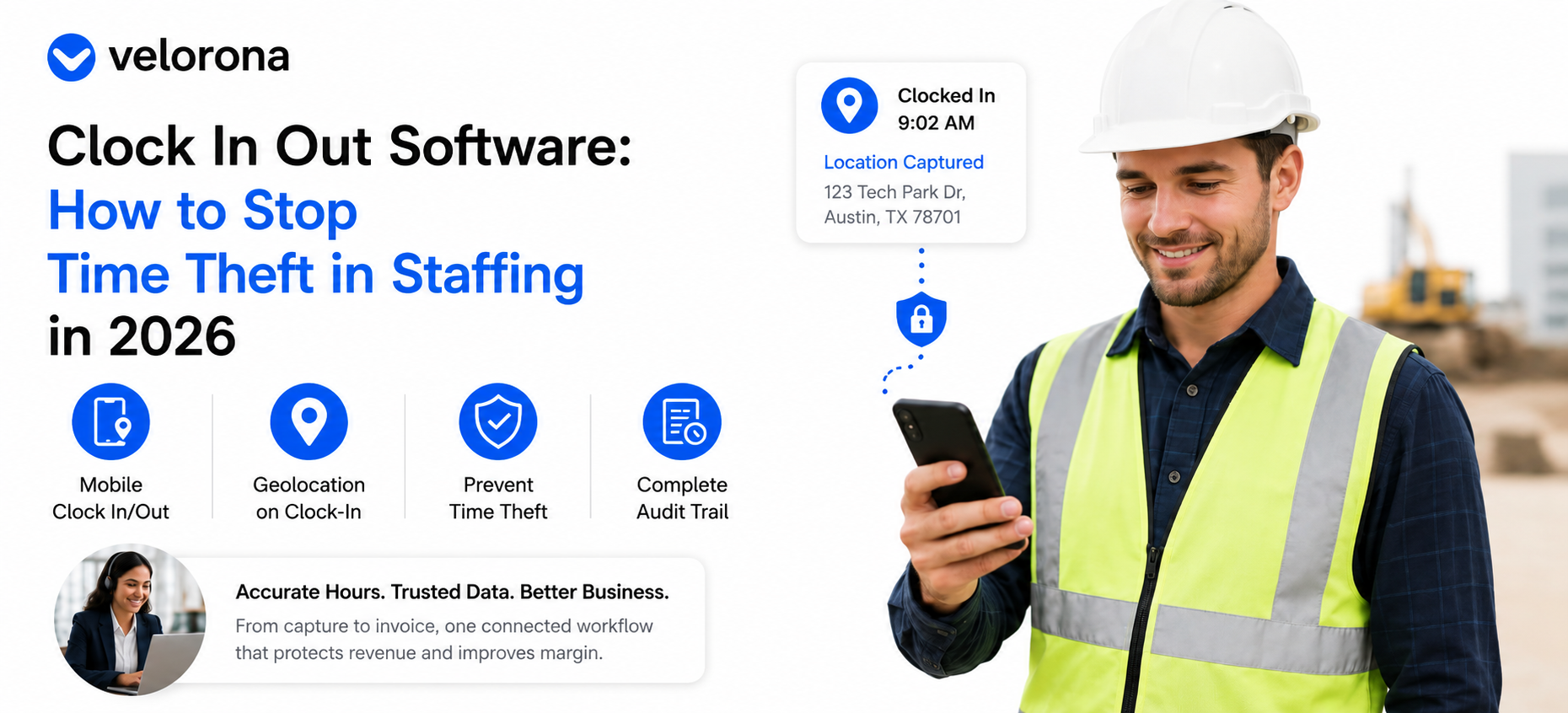
Quick answer: Paper sign-in sheets invite buddy punching and rounding. Modern clock in out software cuts time theft today with mobile clock-in, geolocation capture, and a complete audit trail of every edit. For shared-device sites, kiosk attendance with photo, face match, and PIN is on Velorona’s Q3 2026 roadmap as an added anti-buddy-punch layer not a feature available today.
What Starts as an Attendance Problem Often Becomes a Revenue Problem
How Inaccurate Clock Data Compounds Downstream
Michael manages consultants across multiple client sites. At first, inaccurate clock-ins looked like a simple attendance issue. However, the downstream effects soon started showing up:
- Disputed client invoices
- Incorrect consultant hours
- Delayed approvals
- Vendor-payment mismatches
- Missing margin
What looked like a time-tracking problem became a billing problem. Consequently, it became a profitability problem.
Why Accurate Hours Matter Beyond Attendance
The real value of clock in out software is not simply knowing who showed up. Instead, it is ensuring that every approved hour becomes trusted financial data throughout the back office feeding invoices, sub-vendor reconciliation, and margin visibility from a single source.
Why Are Paper and Manual Methods Still Costing You?
Old-school time cards and sign-in sheets are easy to manipulate and tedious to reconcile. Common problems include:
- Buddy punching
- Timesheet rounding
- Forgotten clock-outs
- Manual corrections
- Approval delays
Furthermore, tracking consultants across multiple client sites becomes increasingly difficult as staffing firms grow. The answer is not more supervision. Instead, it is one trusted source of time data that feeds every downstream workflow.
What Does Clock In Out Software Stop Today?
Three live capabilities do the work right now.
Mobile Clock In and Clock Out
Consultants and field teams log hours through web or mobile timelogs. No paper, no desktop dependency, no end-of-week reconstruction. As a result, the hours that drive invoicing are captured at the point of work, not recalled from memory on Friday afternoon.
Geolocation on Clock-In
When a worker clocks in, location is captured. For client-site assignments, that creates a verifiable record that hours were logged where the work occurred. This is particularly useful when clients request attendance verification the record already exists in the audit log.
For context on how the Fair Labor Standards Act governs timekeeping obligations for staffing firms, the US Department of Labor provides clear guidance on what accurate records must contain.
Complete Audit Trail With Two-Factor Authentication
Every clock event, edit, approval, and correction receives a timestamped record protected by two-factor authentication. When attendance disputes arise, the answer already exists in the system. Additionally, approvers can clear up to 50 timesheets in a single click rather than reviewing them individually.
How Does Clock In Out Software Prevent Invoice Leakage?
The Sub-Vendor Gap Most Firms Overlook
This is where accurate attendance becomes much more than an attendance issue. Approved hours do not just create attendance records — they drive financial records. Without reconciliation:
- A consultant works 40 approved hours
- A sub-vendor invoice arrives for 45 hours
- Finance pays it
- Margin quietly disappears
How Velorona Matches Hours to Invoices
Velorona automatically matches inbound sub-vendor invoices against approved consultant hours through the Vendor Hub and flags mismatches before payment. Instead of discovering errors during month-end reviews, firms catch them immediately. Consequently, for many staffing firms preventing these errors protects more profit than eliminating buddy punching alone ever will.
Can Clock In Out Software Improve Margin Visibility?
Most staffing owners think they know which clients are profitable. However, few can verify it quickly without opening a spreadsheet.
When approved hours drive both outbound client invoices and inbound sub-vendor costs, margin becomes visible automatically. As the American Staffing Association regularly notes, the firms that scale are not those that track attendance best they are the ones that understand profitability fastest.
Instead of building spreadsheets, Michael can see:
- Revenue per consultant
- Cost per consultant
- Margin per assignment
- Margin per client
What About Face Recognition and Kiosks?
This is where honesty matters. Shared-device kiosk attendance with photo capture, face match, and PIN verification is on Velorona’s roadmap and targeted for Q3 2026. It is not available today.
If a vendor claims AI-powered face recognition is already live in their clock in out software, ask them to demonstrate it in your actual environment before signing anything.
Today, Velorona’s anti-time-theft controls are:
- Mobile clock-in and clock-out
- Geolocation capture on clock-in
- Complete timestamped audit trail
- Multi-level approval workflows
The kiosk face-match layer is the next step not the current one.
What Does the Before-and-After Look Like?
| Manual Attendance Process | Connected Clock In Out Software | |
|---|---|---|
| Time capture | Paper sign-in sheets | Mobile clock-in with geolocation |
| Location verification | None | Geolocation captured on clock-in |
| Buddy punching | Difficult to detect | Audit trail and approval history |
| Billing connection | Attendance isolated from billing | Approved hours flow into invoicing |
| Invoice validation | Manual matching | Automatic reconciliation |
| Margin visibility | Calculated in spreadsheets | Visible from approved hours |
| End result | Attendance data only | Attendance becomes financial data |
The goal is not just better attendance records. The goal is turning approved hours into trusted financial data that drives the entire back office.
How Does Connected Time Data Help Beyond Attendance?
Clock data trapped inside a silo only tells you who showed up. However, connected to the rest of the workflow it tells you:
- Which client the hours belong to
- Which project generated them
- Which rates apply
- Which invoice the system should generate
- Which vendor invoice it should validate
Once approved, the same hours generate client invoices and support sub-vendor reconciliation. That is the difference between standalone attendance software and staffing back-office software built for how a firm actually runs.
What Should You Expect on Scope and Cost?
Velorona is staffing back-office software. It is not a recruiting platform, a payroll bureau, or a workforce surveillance tool.
Time and attendance with geolocation and the audit trail are available today. Roadmap items include kiosk attendance with face match (Q3 2026), QuickBooks Online sync (Q3 2026), SSO (Q3 2026), and public API and Zapier integrations (Q3 2026).
Pricing:
- Starter: $6/user/month
- Team: $10/user/month
Annual billing reduces costs by 30 to 33%. There are no setup fees, a one-month free trial with no credit card required, and a 5 to 14 day go-live.
In contrast, enterprise staffing platforms typically require 6 to 12 weeks and $8,000 to $15,000 to implement before you see a single approved hour.
For further reading on the full back-office workflow that starts with accurate clock in out software, see:
- How to Fix Timesheet Chaos and Get Invoices Out the Same Week
- How to Run Your Staffing Back Office on One Platform in 2026
- What Back-Office Automation Actually Fixes for Staffing Firms in 2026
- Automated Invoicing for Staffing Firms: How to Cut DSO by 15 to 30 Days
FAQ: Clock In Out Software and Time Theft
How does clock in out software reduce time theft today?
Through mobile clock-in, geolocation capture, multi-level approval workflows, and a timestamped audit trail of every edit. Specifically, every change carries a record so disputes resolve from evidence, not memory.
Does Velorona have face recognition today?
No. Kiosk attendance with photo, face match, and PIN is targeted for Q3 2026. Today’s anti-time-theft controls are mobile clock-in, geolocation, and the audit trail.
Can remote and field workers use it?
Yes. Clock-in and clock-out work on web and mobile, with geolocation captured on clock-in regardless of site.
Does attendance data flow into billing?
Yes. Approved hours generate client invoices and support sub-vendor reconciliation from the same source of truth. As a result, the hours that get approved are the hours that get billed — with no re-keying in between.
How does attendance affect profitability?
Accurate approved hours improve invoice accuracy, prevent vendor-payment errors, and make margin visibility possible per consultant, assignment, and client.
See Honest, Connected Clock In Out Software in Action
Stopping time theft is only the first step. See how accurate attendance data flows into invoicing, reconciliation, margin visibility, and staffing back-office operations from a single workflow.
Book a personalized demo: velorona.com/demo